


Software Corporates

Software Category

Discover the Best Project Management Software for Your Business

Plan work, align teams, track delivery, and keep stakeholders informed without endless status meetings.

  • Free Demos
  • Side-by-Side Compare
Get Free Advice

Browse by subcategory

14 subcategories in Project Management Software

All categories

Accounting Project Management Software

Accounting project management software helps finance professionals organize client assignments, track budgets, manage billable hours, and coordinate financial workflows.

1 product

Agile Project Management Software

Agile project management software supports sprint planning, iterative development, task prioritization, and collaboration for continuously evolving projects.

5 products

AI-Elevated Project Management Tools

AI-elevated project management tools help teams automate repetitive tasks, forecast project risks, analyze workflows, and improve decision-making.

4 products

Creative Project Management Software

Creative project management software helps agencies organize design projects, manage feedback, assign creative tasks, and coordinate production schedules.

2 products

Design Project Management Software

Organize design workflows, collaborate on creative assets, manage revisions, and monitor project deadlines using design project management software.

2 products

Enterprise Project Management Software

Discover enterprise project management software for coordinating large-scale initiatives, managing departmental resources, and tracking organizational project performance.

2 products

Gantt Chart Software

Gantt chart software makes project scheduling easier by displaying task timelines, dependencies, milestones, and completion progress in visual charts.

3 products

IT Project Management Software

IT project management software enables technology teams to organize development tasks, manage technical resources, track issues, and deliver projects efficiently.

1 product

Kanban Software

Kanban software provides visual task boards that help teams organize workflows, monitor work progress, identify bottlenecks, and manage priorities.

5 products

Marketing Project Management Software

Plan marketing campaigns, coordinate content production, assign promotional tasks, and monitor deadlines with marketing project management software.

1 product

Product Management Software

Product management software helps businesses organize product roadmaps, prioritize development features, collect customer feedback, and coordinate product launches.

4 products

Project Planning Software

Project planning software helps businesses define objectives, organize activities, establish schedules, allocate resources, and prepare actionable project plans.

6 products

Project Portfolio Management Software

Project portfolio management software helps organizations prioritize investments, evaluate project performance, distribute resources, and oversee multiple initiatives.

2 products

Project Tracking Software

Monitor project activities, follow task completion, identify scheduling delays, and review milestones with project tracking software.

6 products

Hand-picked solutions our experts recommend most

Our Top Picks

Explore trusted project management software options with transparent pricing cues, verified reviews, and side-by-side comparisons for teams of every size.

#1
Asana  Software

Asana Software

Asana is a cloud-based software that makes project management a lot easier for enterprises. It centralizes all communication, which removes all kinds of ambiguity in task delegation. This helps with smooth coordination, where every member is aware of what task they are supposed to perform within a given deadline. The solution ensures that projects are managed without any hassle. Asana software reviews are also available on our website. You can check them out to find out the experience of other people with this software. 

#2
FreshBooks Software

FreshBooks Software

FreshBooks is an intuitive software that manages accounting and invoicing. It allows freelancers, small businesses, and consultants to create professional and customizable invoices to encourage faster payments. The software includes built-in timers that allow the team to track billable hours against specific projects. These logged hours can automatically be converted into accurate invoices easily. It also integrates with online payment gateways that cut down the time to get paid. This centralized portal also lets clients view invoices to discuss project estimates and leave feedback. Are you interested in getting this software to make invoice processing easier? If yes, contact Software Corporates. We will provide you with all relevant details and expert advice to make the best choice. 

#3
Jira  Software

Jira Software

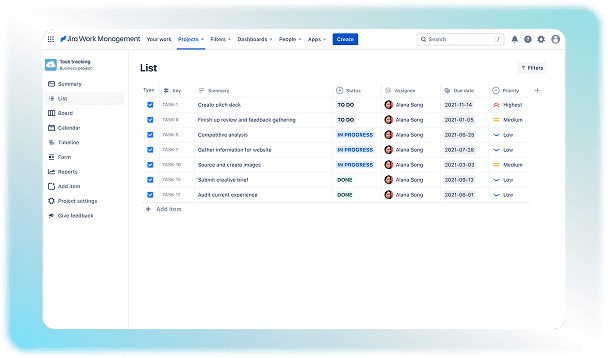
Jira software is a Project Management platform that helps teams track and manage their work. It helps make tasks more manageable by breaking them down into smaller segments that can be completed in a given time frame. The solution provides a centralized space where data regarding different projects can be stored and accessed. This feature makes collaboration between teams a lot easier. You can use this software to carry out your projects without any hassle. If you want to see how this software works, check out the Jira demo on our website for free!

#4
Miro Software

Miro Software

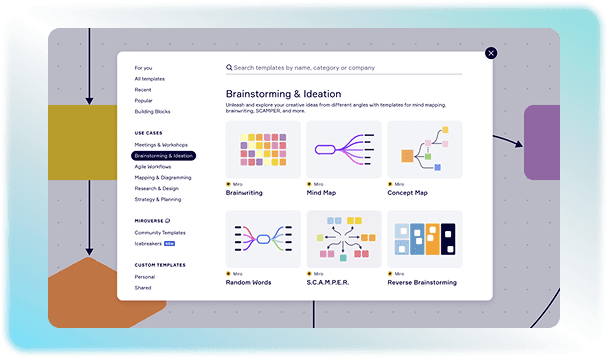
Remote and cross-functional teams need a digital workspace where they can brainstorm and plan their workflow. Miro is a cloud-based software that provides teams with a collaborative space to work together. Team members can work together from anywhere on the same board, so that everyone is aware of all the changes made. The workflow is also accelerated through pre-made layouts that can be used to map the entire work. Miro AI can generate complex mind maps or flowcharts from text prompts. You can explore more features by watching the practical demonstration of the software. Click on the “Watch the demo” button on our website now to check out the Miro demo!

All Project Management Software

6 products

Sort
Rating
Asana  Software

Asana Software

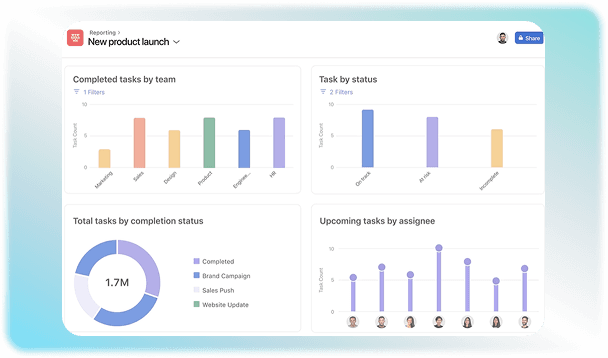
Asana is a cloud-based software that makes project management a lot easier for enterprises. It centralizes all communication, which removes all kinds of ambiguity in task delegation. This helps with smooth coordination, where every member is aware of what task they are supposed to perform within a given deadline. The solution ensures that projects are managed without any hassle. Asana software reviews are also available on our website. You can check them out to find out the experience of other people with this software. 

FreshBooks Software

FreshBooks Software

FreshBooks is an intuitive software that manages accounting and invoicing. It allows freelancers, small businesses, and consultants to create professional and customizable invoices to encourage faster payments. The software includes built-in timers that allow the team to track billable hours against specific projects. These logged hours can automatically be converted into accurate invoices easily. It also integrates with online payment gateways that cut down the time to get paid. This centralized portal also lets clients view invoices to discuss project estimates and leave feedback. Are you interested in getting this software to make invoice processing easier? If yes, contact Software Corporates. We will provide you with all relevant details and expert advice to make the best choice. 

Jira  Software

Jira Software

Jira software is a Project Management platform that helps teams track and manage their work. It helps make tasks more manageable by breaking them down into smaller segments that can be completed in a given time frame. The solution provides a centralized space where data regarding different projects can be stored and accessed. This feature makes collaboration between teams a lot easier. You can use this software to carry out your projects without any hassle. If you want to see how this software works, check out the Jira demo on our website for free!

Miro Software

Miro Software

Remote and cross-functional teams need a digital workspace where they can brainstorm and plan their workflow. Miro is a cloud-based software that provides teams with a collaborative space to work together. Team members can work together from anywhere on the same board, so that everyone is aware of all the changes made. The workflow is also accelerated through pre-made layouts that can be used to map the entire work. Miro AI can generate complex mind maps or flowcharts from text prompts. You can explore more features by watching the practical demonstration of the software. Click on the “Watch the demo” button on our website now to check out the Miro demo!

monday.com Software

monday.com Software

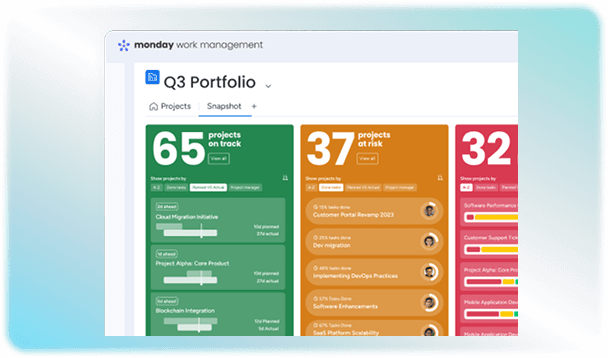
monday.com is a flexible work operating system and cloud-based platform where teams manage workflows and daily tasks. This Project Management software is a customizable workspace with an easy-to-use interface, which makes it easier to organize projects and track their progress. Users can create boards based on their specific work requirements. Each board can include tasks, deadlines, status updates, and assigned team members. It makes workflow management easier across different departments of a company. Built-in AI features of this platform help the PMO automate their daily tasks to achieve their goals in less time. You can read monday.co m reviews on our website and find out if it is the right project management solution for you. 

Trello  Software

Trello Software

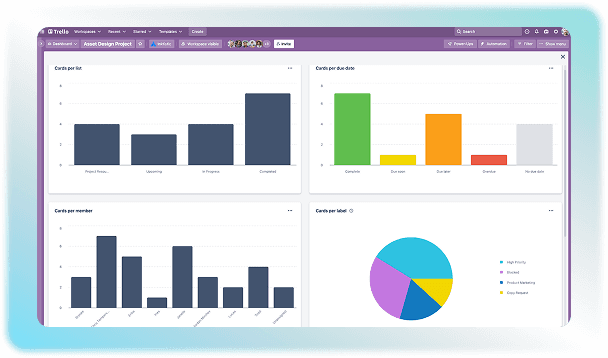
Trello Project Management software is a collaboration tool that allows teams to organize and share projects through a visual Kanban board system. It keeps complete track of projects to help the team see who is working on which task and when. This solution allows the team to map out the workflow through customized boards for clarity. The use of this software makes management easier by centralizing communication and allowing the team leaders to know the progress of the assigned tasks. 

Project Managementbuyer's guide

Buyer Guide

Project Management Software is a digital tool that helps individuals and teams plan and manage tasks smoothly. It makes operations smooth from start to finish by organizing data in one place where it can be accessed easily. You do not need to worry about scattered sheets or pending tasks when you are using this software. It helps organizations meet the demands of the fast-paced modern world. 

What is Project Management Software?

PM software is a centralized digital space that keeps track of the project from the starting point till their completion. It helps in planning and execution of the tasks by maintaining a complete record of the project progression. Any industry can use this to streamline their workflow, manage resources, and work within deadlines by ensuring every team member’s progress aligns with the assigned goal. 

Target Audience Of PM Software

It is a common question that who can benefit from management software? The answer is that it can be used in almost every industry. Different roles within an organization use these platforms to solve various problems. It is important to understand how different team members can use it to make its deployment successful. This software can work miracles for:

Distinguishing Features Of PM Software

Get a complete ecosystem that is designed to optimize every phase of the project by using dedicated software for management. It provides the following benefits which make it a must-have in contemporary systems.  

Types Of Project Management Software

Project management information systems software can vary on the basis of hosting infrastructure. Organizations and businesses can choose the right model by making their choice on the basis of their user volume and the purpose of deployment. This software can be categorized into the following types.

Software Type

Focus

Main Feature

Best For

Individual

Personal productivity and task tracking

Simple to-do lists for

daily schedules

Freelancers and solo entrepreneurs 

Collaborative

Team communication and alignment

Shared digital whiteboards for instant comments.

Remote, hybrid, cross-functional teams

Integration-

Focused

Connecting existing software ecosystems

Automated sync, developer tool links, data centralization

Data-heavy enterprises

Cloud-Based

Universal access and low maintenance

Cross-device syncing with automatic backups

Modern distributed workforces needing browser or app access

Important Integration Requirements

Integrations are needed in project management software for smooth data transfer between tools. Completing a task in one tool automatically updates the status in your PMs so that you do not have to copy and paste data repeatedly. This eliminates the chance of human error in copying data from one place to another. Productivity is also increased by ensuring that time is utilized smartly by automating tasks instead of doing them manually. 

Communication tools: Slack, Microsoft, Google Workspace, Zoom, Gmail, Outlook

File storage and management: Google Drive, Dropbox, SharePoint, Microsoft OneDrive 

Developmental frameworks: GitHub, GitLab, Bitbucket, Jira, Linear, Azure DevOps 

Sales and Customer Relationship Management: Salesforce, HubSpot, Zoho CRM, Pipedrive

Security And Compliance

Be assured that your data is safe in the project management information system software. It complies with the standards set by regulatory authorities to meet the legal requirements.

How To Find The Best PM Software?

There is no final answer as to which software will be absolutely perfect for your organization. Different factors determine which solution can meet all your organization’s administrative needs. To make the software effective in less time, you will have to consider the learning curve and make a choice that reduces the need for weeks of training. Choose tools that match your team's tech comfort level so that operations are carried out without obstruction. This also depends on the team’s size and scale which helps in making the decision of picking software easier because the ultimate goal is to meet the requirements of projects with finesse. You will also have to dissect Project Management software pricing structures by comparing monthly subscription costs against the specific features to ensure all your requirements are fulfilled within the designated budget. 

Project Management FAQ

Frequently asked questions

Quick answers to common questions buyers ask while evaluating project management software.

  • Yes. Your data will remain safe from theft and privacy breaches while using cloud-safe software for project management. Features like end-to-end encryption, multi-factor authentication, and role-based permissions that limit who can view files prevent unauthorized viewing of content. 

  • The size of the organization and user volume determine the deployment time for PM enterprise software. It usually takes 1 to 3 weeks for basic setup in small-sized companies, but for large organizations, this time can vary from 3 to 6 months.

  • Invest in this software to cut down on wasting time on manual tasks. It puts tasks, files, and chats in one spot so you do not have to search through long email chains to find the required message. It also helps organize files to smooth task execution without missing deadlines. Everyone is aware of their responsibilities because this software can be used to keep a record of all activities.

  • This software can be used in almost every industry because of the diverse advantages it offers. Its customizable features allow you to use it to achieve different goals. For example, tech teams use it to track software updates and fix code bugs to smooth organizational functioning. Creative teams use visual boards to manage their tasks with finesse. Similarly, doctors and lawyers use it to organize client files safely in healthcare organizations.

  • Yes. PM can be used at different personal or organizational levels because it can be used to achieve any type of goal or checklist. You can use it for planning and timely execution to ensure all your tasks are completed on time.

Ready to compare Project Management?

Shortlist options side by side, or talk with an advisor who can help you match tools to budget and business needs.

Contact us now

Request a free consultation with us

We'll help you find tools that fit your budget and business needs. Share a few details and we'll get back to you.

You accept our policy